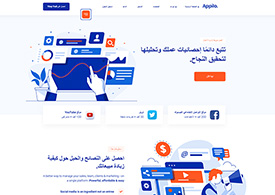
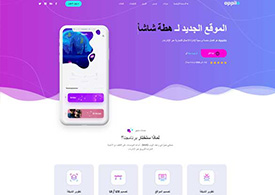
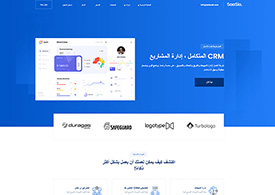
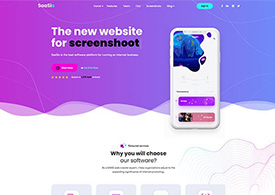
Pre-Built Demos

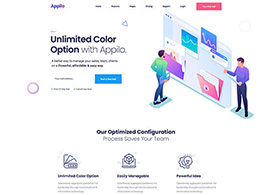
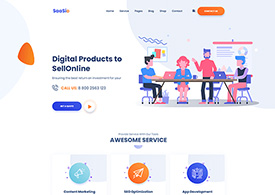
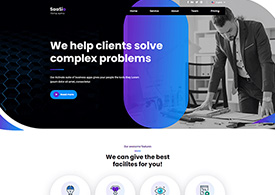
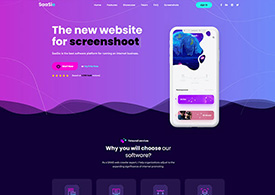
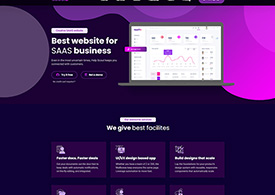
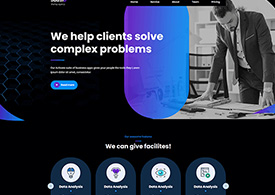
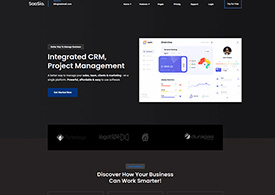
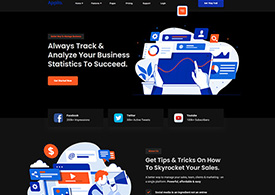
SaaSio comes with a beautiful collection of modern, easily importable, and highly customizable demo layouts.

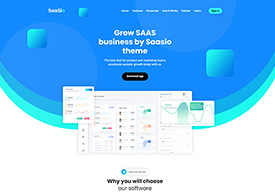
SaaSio Main
Online Payment
Digital Agency 2023
Digital Marketing 2023
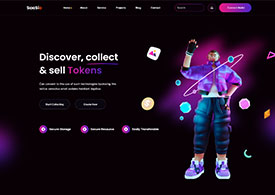
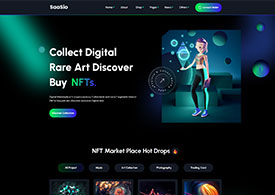
NFT 2023
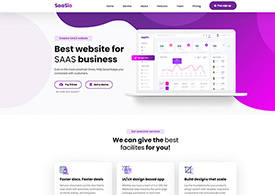
SaaS 2023
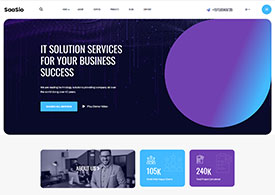
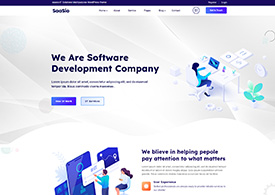
IT Solution 2023
Help Desk
IT solution 2023 (V.2)
Law Firm
Cryto Currency
SaaSio NFT
SaaS Classic
SaaS Modern
Digital Agency
Marketing Agency
Digital Marketing
App Landing
Digital Agency 2
Business Consult-4
Personal Portfolio
Creative Studio
IT Solutions-3
Business & Finance
Digital Agency
Business Consulting
Digital Agency
Finance Consulting
Marketing
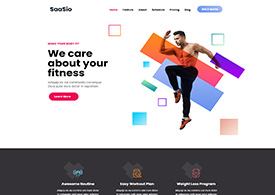
Gym Fitness
Education
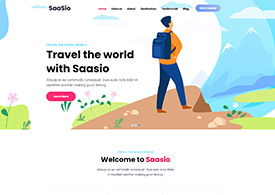
Travel Agency
It solution-2
Business Consult-1
Business Consult-2
Business Consult-3
HR Management
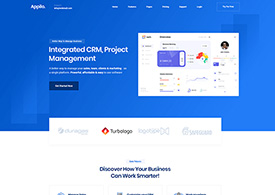
CR Management
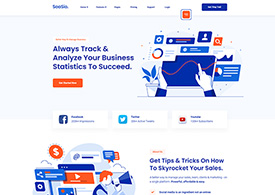
Social Media Marketing
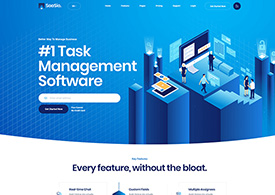
Software Management
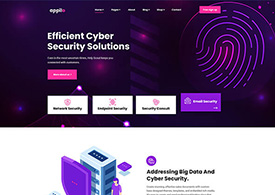
Cyber Security
Email Marketing
Web Application
SEO Agency
Resturannt
IT Solutions-1
Digital SEO
Startup Agency
Dark Version Demo
SaaSio Main (Dark)
Dark Version Demo
SaaS Classic (Dark)
Dark Version Demo
Digital Agency (Dark)
Dark Version Demo
StartUp Agency (Dark)
Dark Version Demo
HR Management (Dark)
Dark Version Demo
SMM (Dark)
RTL Version Demo
SMM (RTL)
RTL Version Demo
Digital Agency (RTL)
RTL Version Demo
SaaSio Main (RTL)
RTL Version Demo
HR Management (RTL)
RTL Version Demo
CR Management(RTL)
Sign In Get started

AI Task Description

The AI Task Description feature helps users quickly generate detailed task descriptions when only a task title has been provided at the time of creation. This ensures that even minimal task inputs can be expanded into well-structured descriptions with the help of AI, improving clarity and collaboration

Who can use AI Task Description?

  1. Task assignees and assigners can post comments.
  2. Users with appropriate permissions can upload files and media.
  3. Administrators can configure custom roles with access to comments.

Note: Please see the Settings section of PerXL hierarchy to find out more about permissions related to comments, file sharing, and AI suggestions.

How to generate Task Description using AI?

Steps to view the Application Usage of a resource

  1. On your workspace in the sidebar menu select a Space and then click on it.
  2. Select the Section/Project name in which you want to describe the task

    AI Task Description feature

  3. Open the Task Details page where a task has been created with no description

    AI Task Description feature

  4. By clicking the AI Task Description icon.
  5. Review the suggested description. You can edit the content if needed to better match your requirements.

    AI Task Description feature