Prerequisites to view Resource overview
- The user must have selected the workforce management option in the plan.
- PerXL client programme (user agent) software must be installed on the user's computer.
- User must checked-in to the application
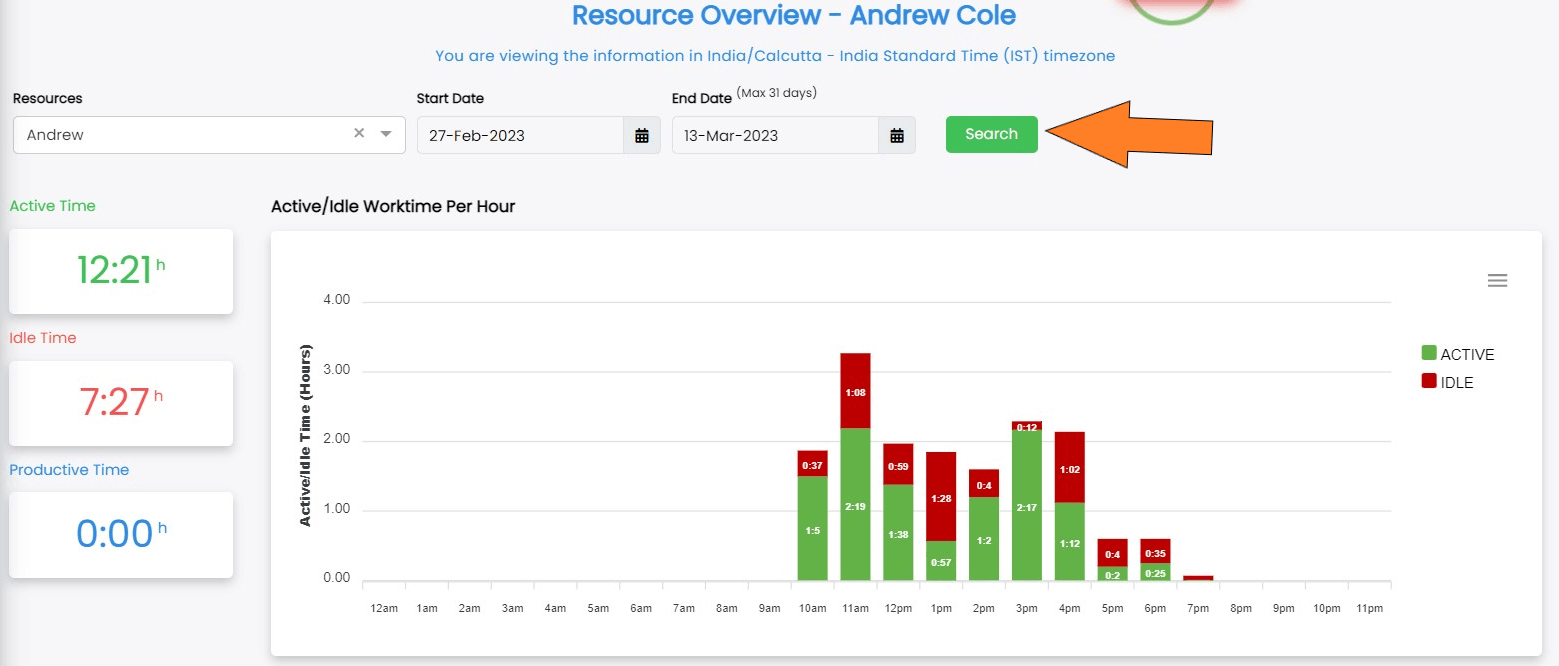
A resource overview refers to a comprehensive summary of the various resources that are available within a particular context. It is to give readers a comprehensive knowledge of the resources that are available, their relative significance, and the best ways to use them to accomplish particular goals and objectives.
Additionally, it can be used to spot holes or weaknesses in the available resources and create plans for resolving them.

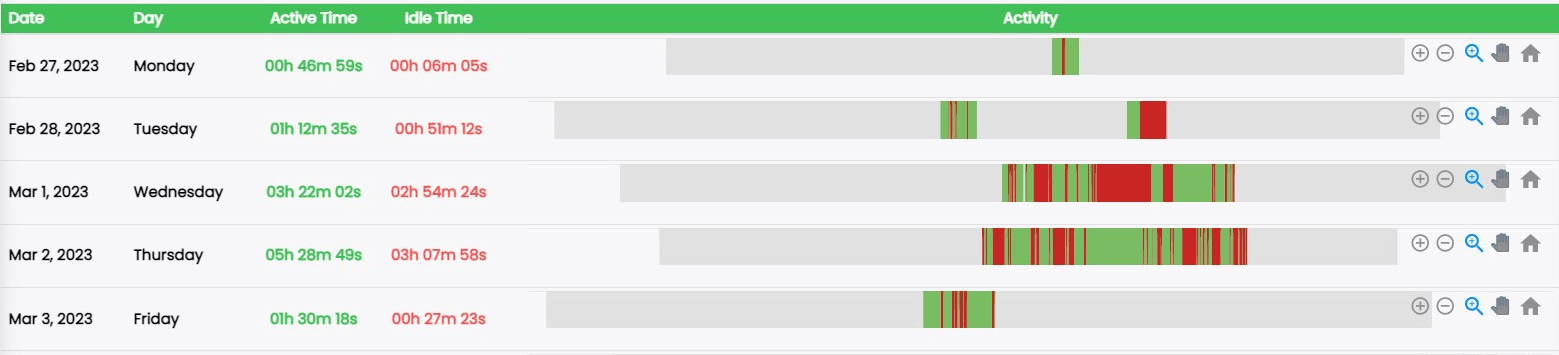
Scroll down to the end of this same page to view the activity timeline in the below given format.
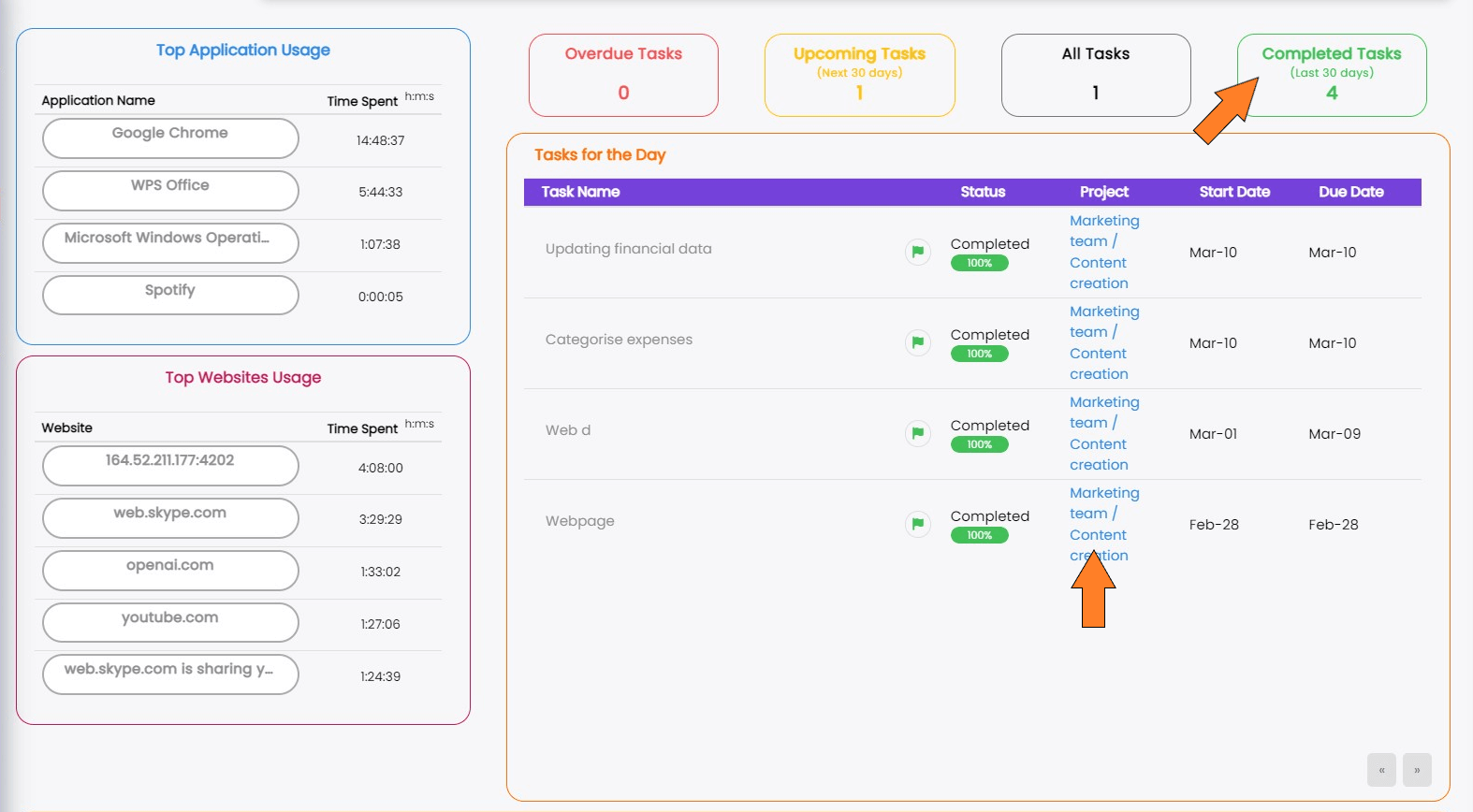
Note: Click on the headings Overdue, Upcoming, etc. to view tasks, and then click on the space/section name under Project to view tasks under that heading.
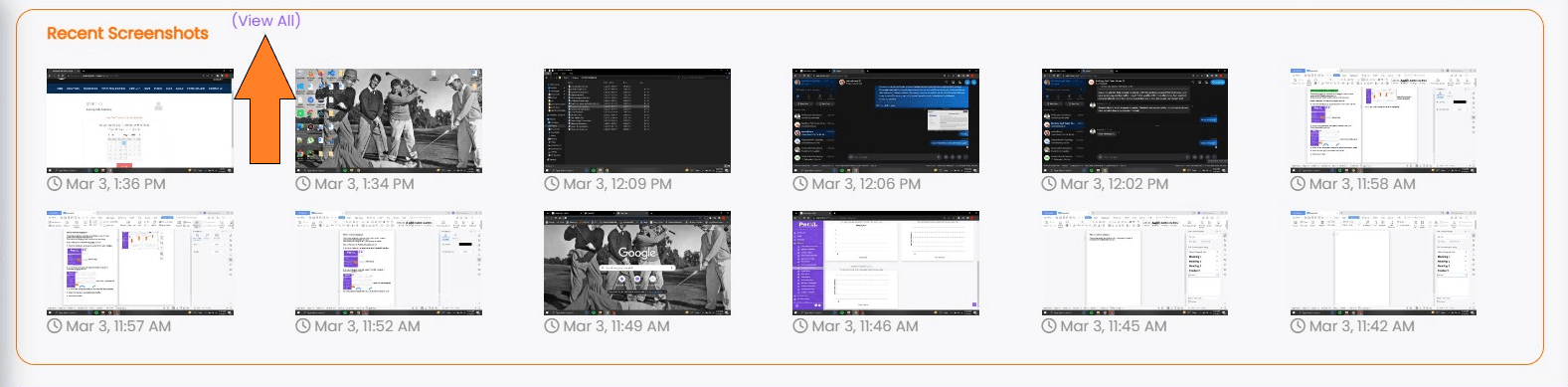
You can look at screenshots of the system used by the resource. To enlarge the window and see all screenshots, click View all.