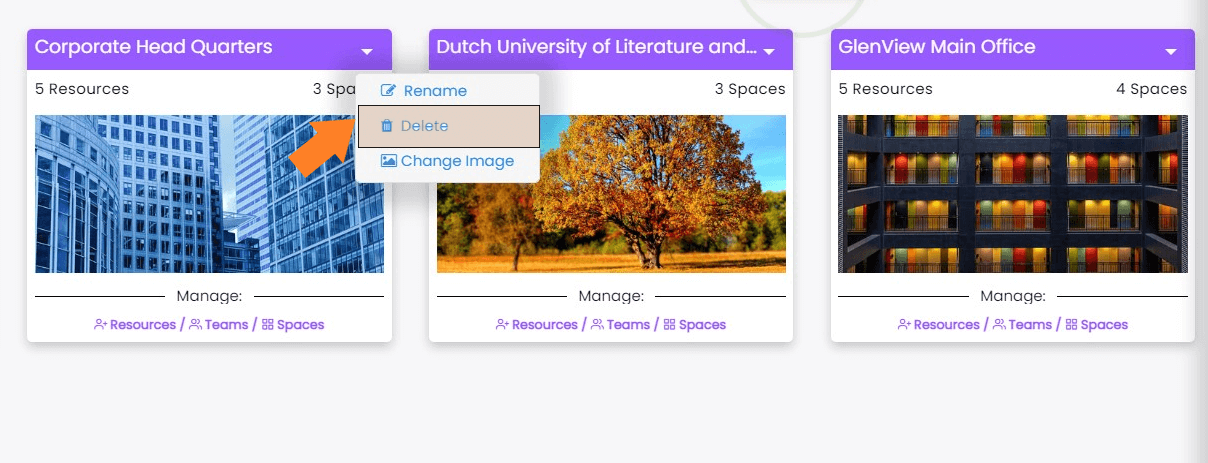
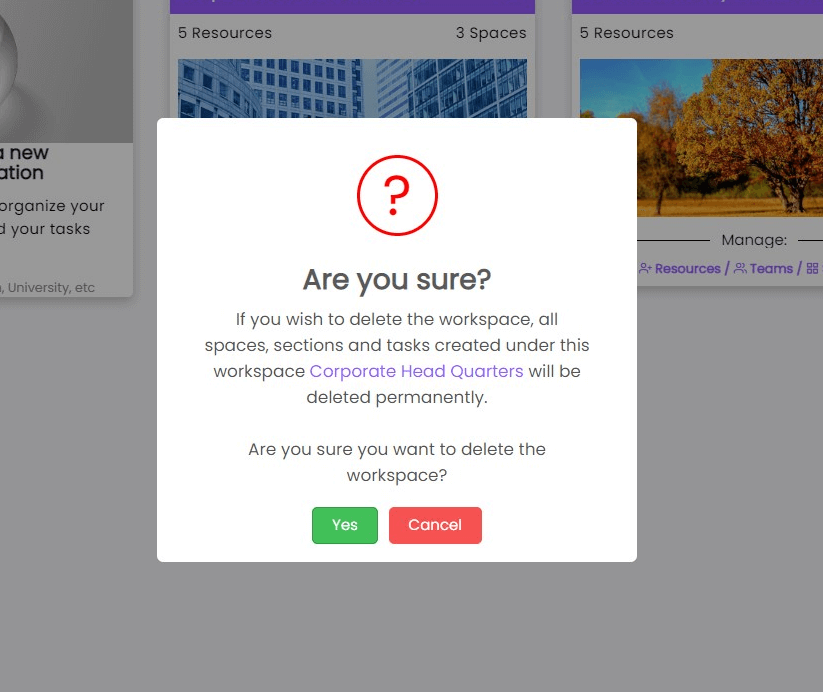
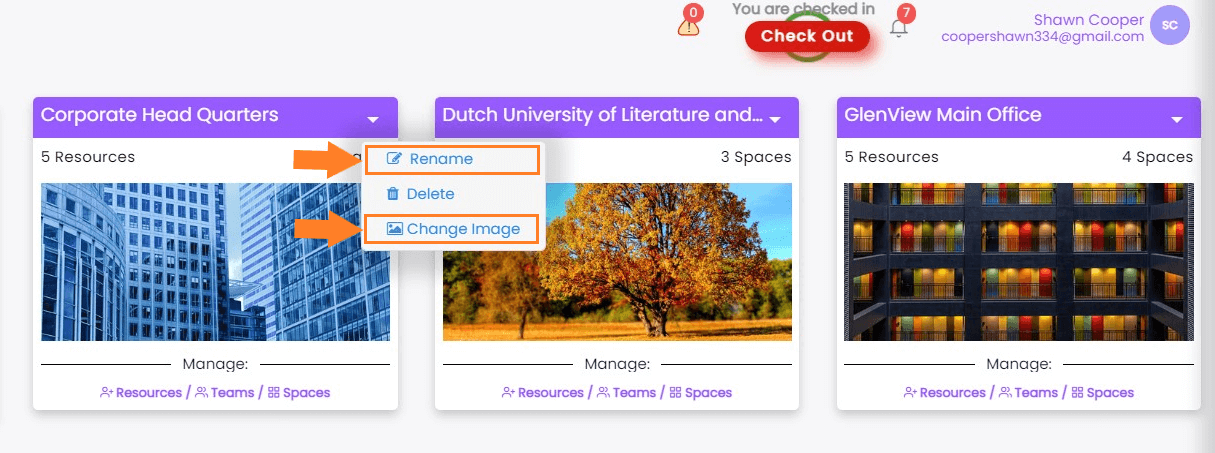
Creating a new Workspace
Who can create workspace
- Only users with an Admin account can allocate resources to workspace sections or projects..
- The admin can provide these permissions to any user with a perXL account using Manage resource settings.
How to create a new workspace?
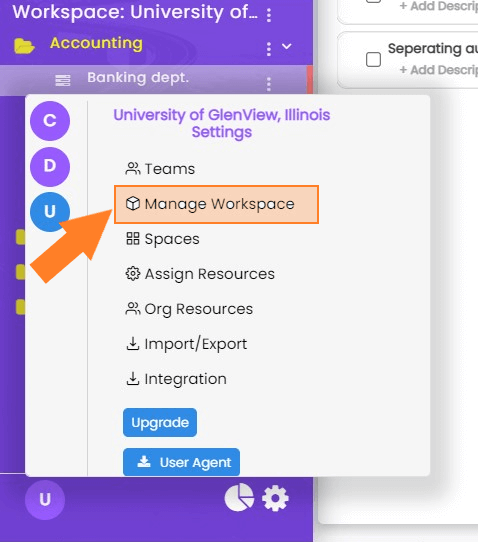
- Click on Workspace icon at the bottom left corner of the screen.
-
Click on Manage workspace
-
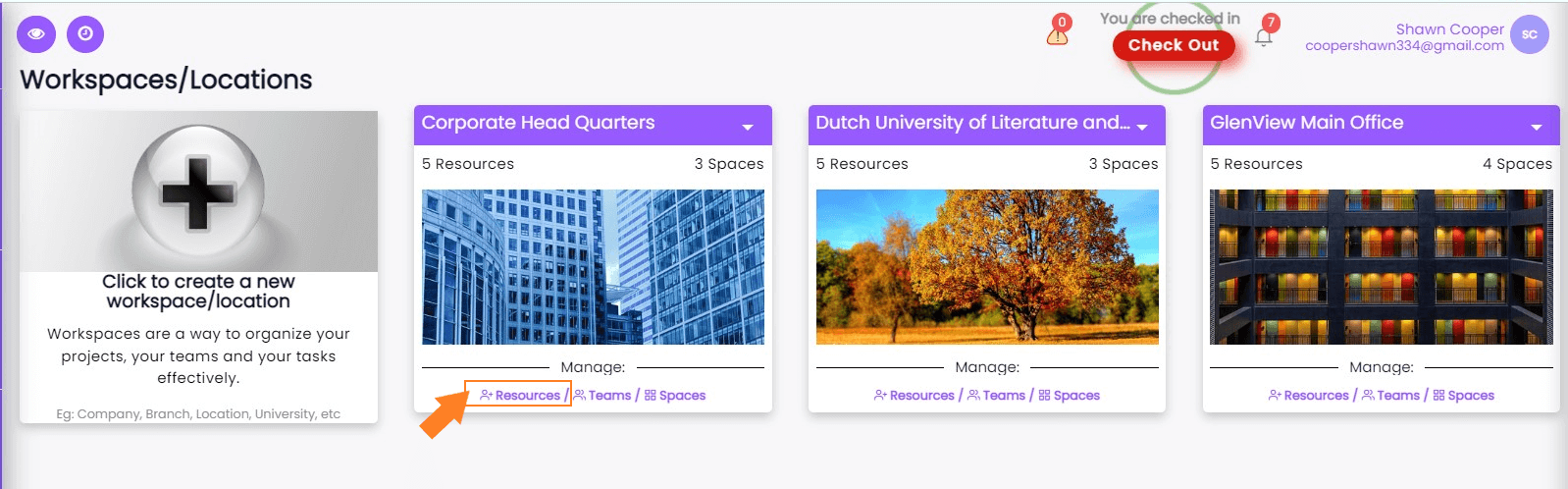
Select 'click to create a new workspace/location'.
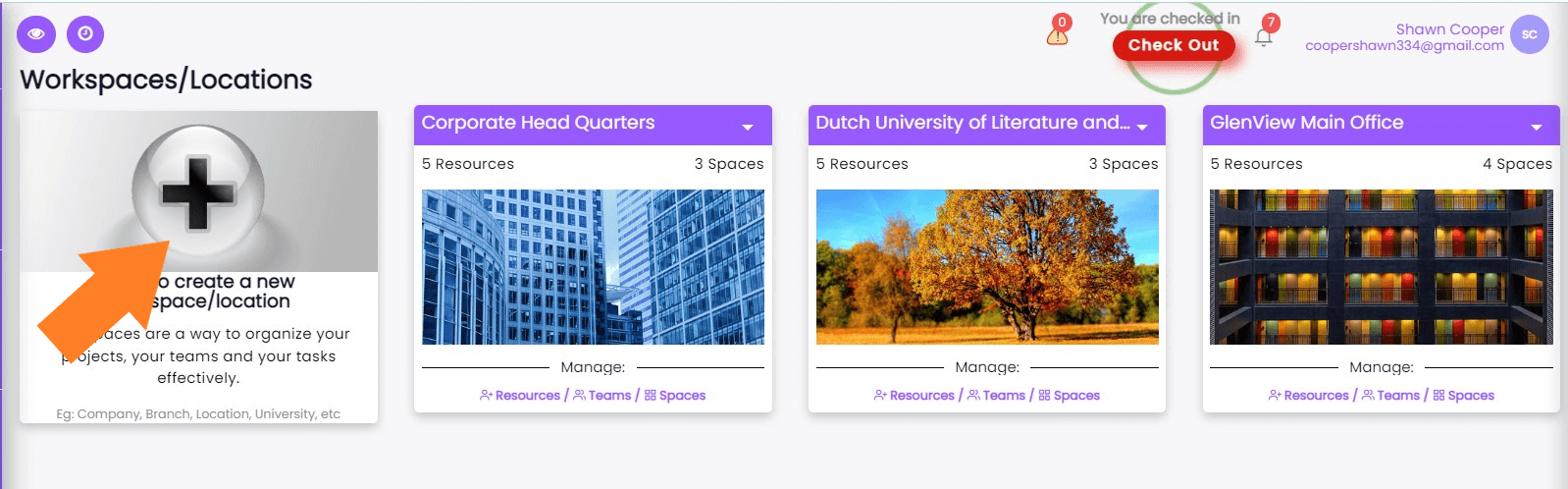
-
Enter the name and description of the workspace, followed by clicking on the "Add Workspace Timeline" button below the Description area
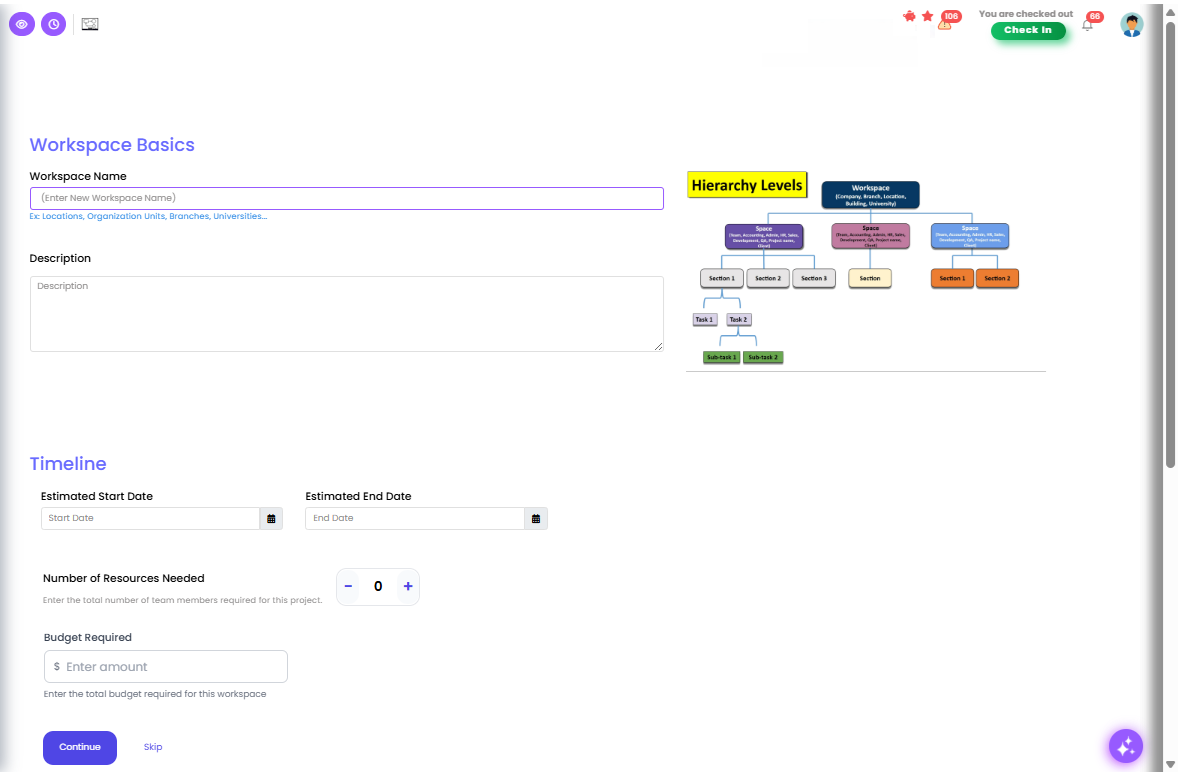
- Next, User can add SRS and SOW documents by selecting project type as IT-Project and Click Yes for Use Scope Documents to Define Project Scope.

- Choose Product Owner and Upload SRS and SOW documents.

- You can now create spaces/divisions and sections after the above step or click on the cross icon at the top right to stop here at this step and create other heading later.